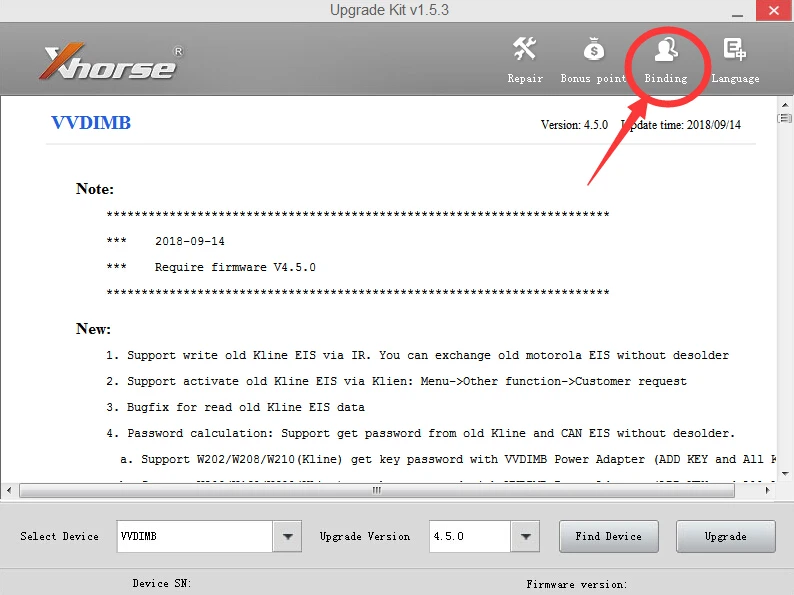
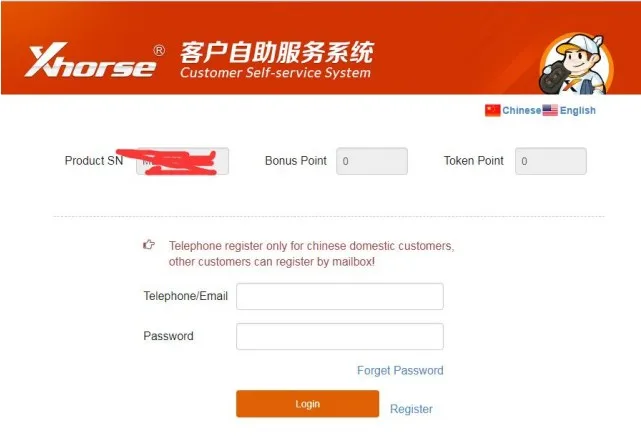
1. Connect vvdi mb and vvdi key tool to computer and run 'upgrade kit ' for binding vvdi mb to
your account
2. Log in your account and link the vvdi mb to your accout
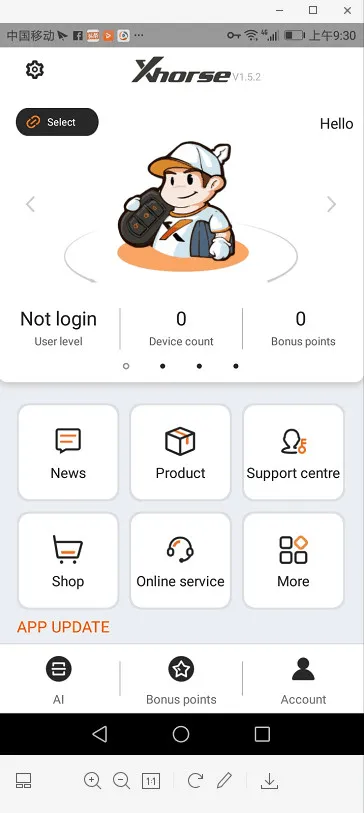
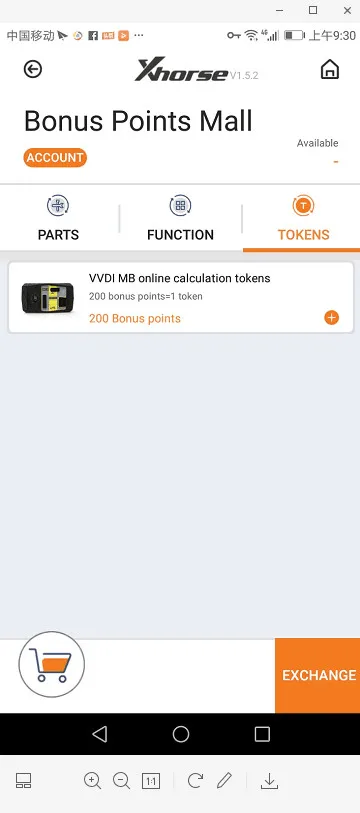
3. Use the app of vvdi key tool for exchange tokens as you want
Technical Support
How to Change Xhorse VVDI BE Key Pro For Benz PCB Frequency?
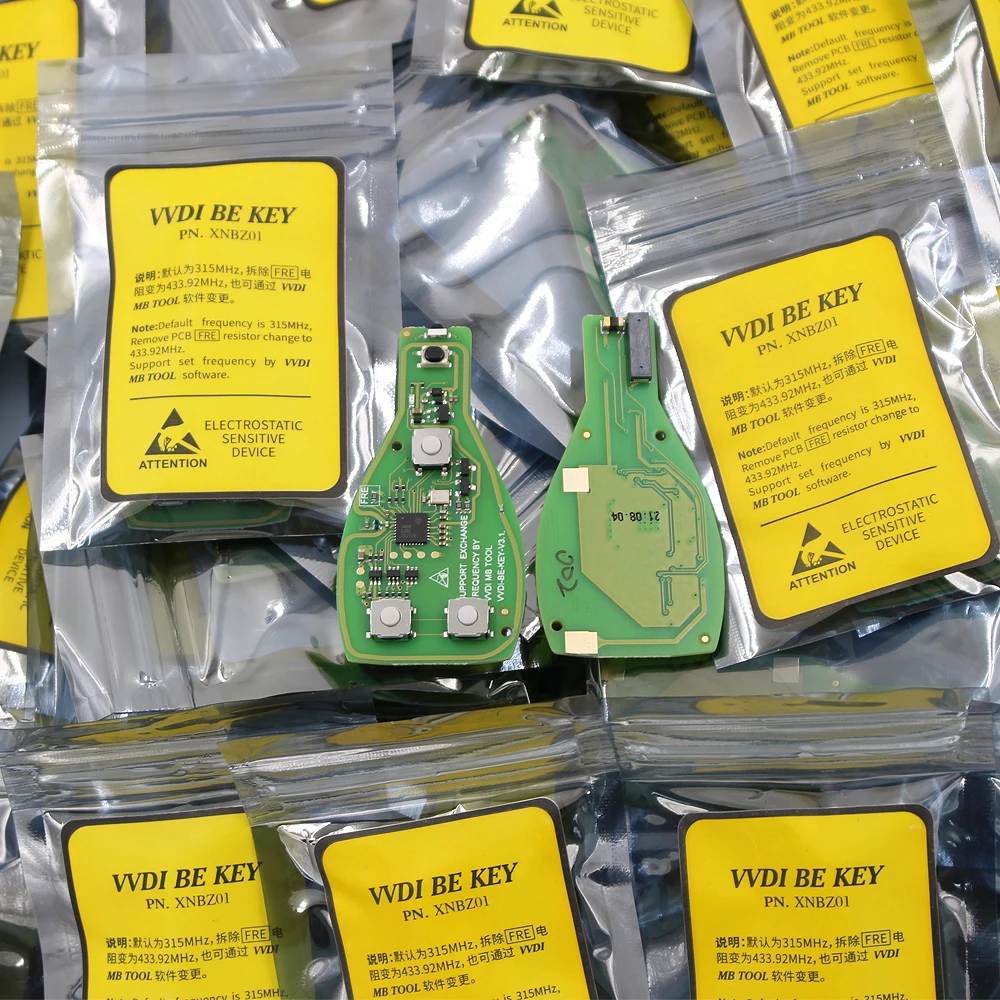
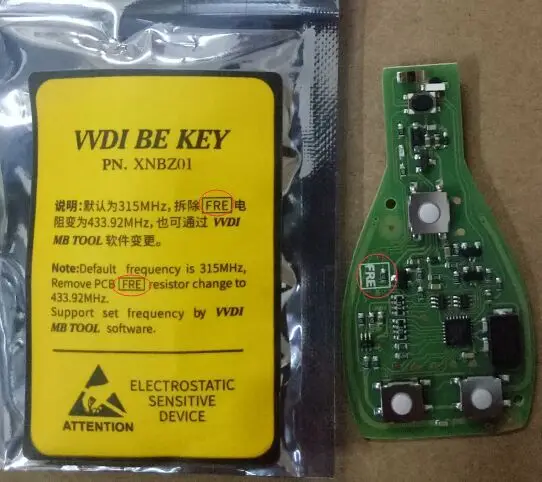
XHORSE VVDI BE Key Pro For Benz XNBZ01CH Remote Key Chip Improved Version default frequency is 315MHZ,it supported to change frequency to 433mhz. Here we will introduce two ways to change Xhorse For Benz Key PCB frequency.
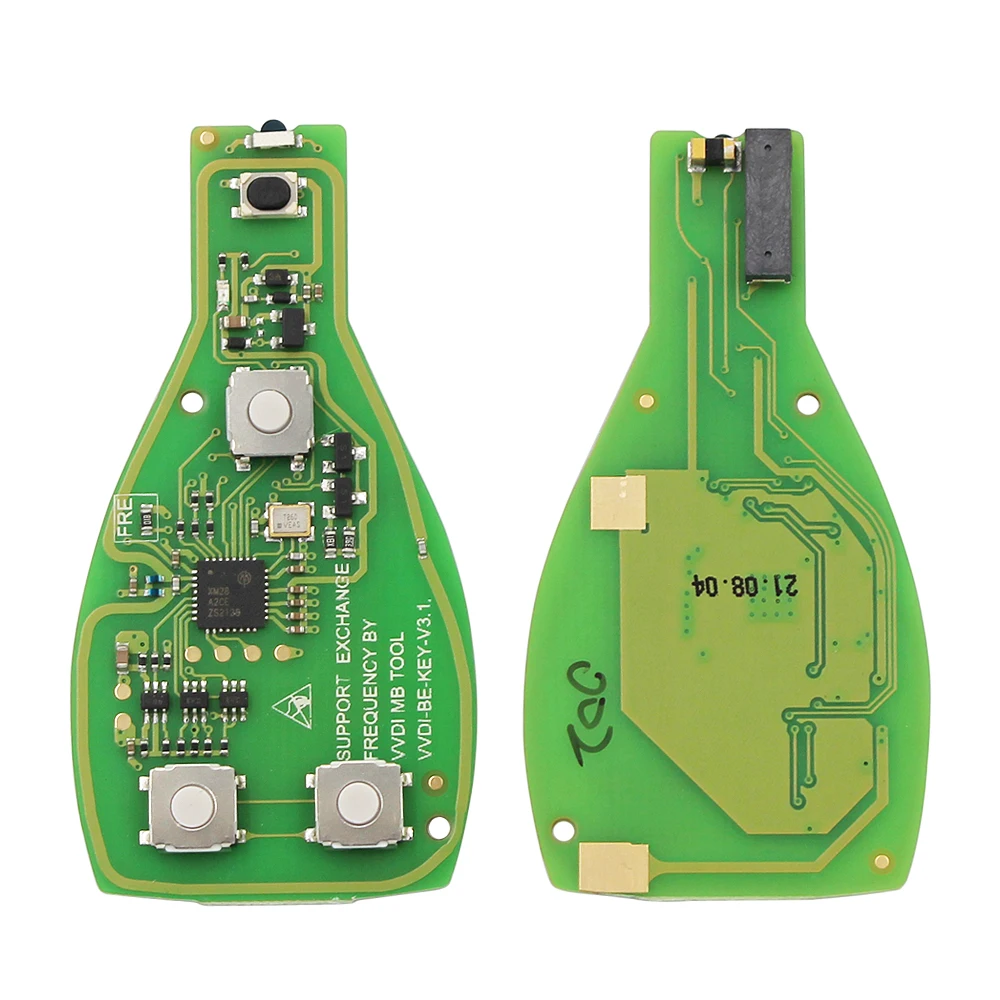
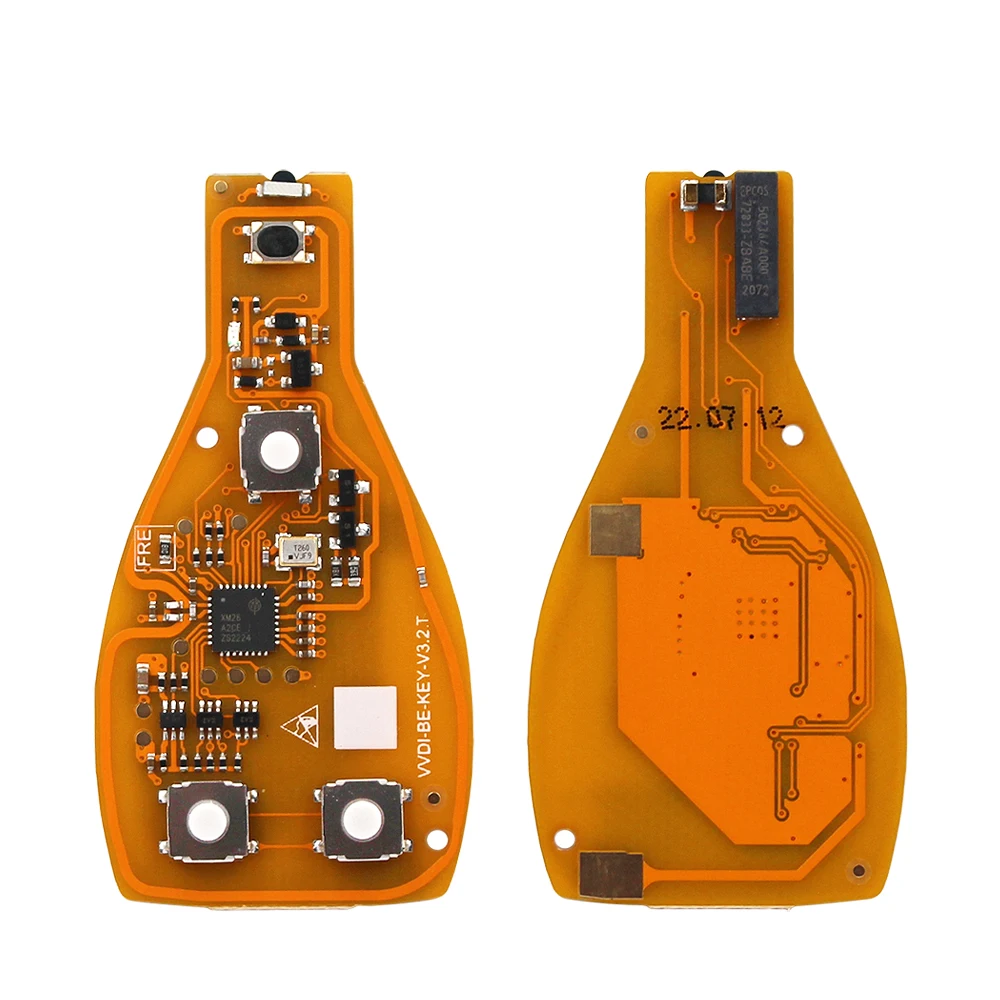
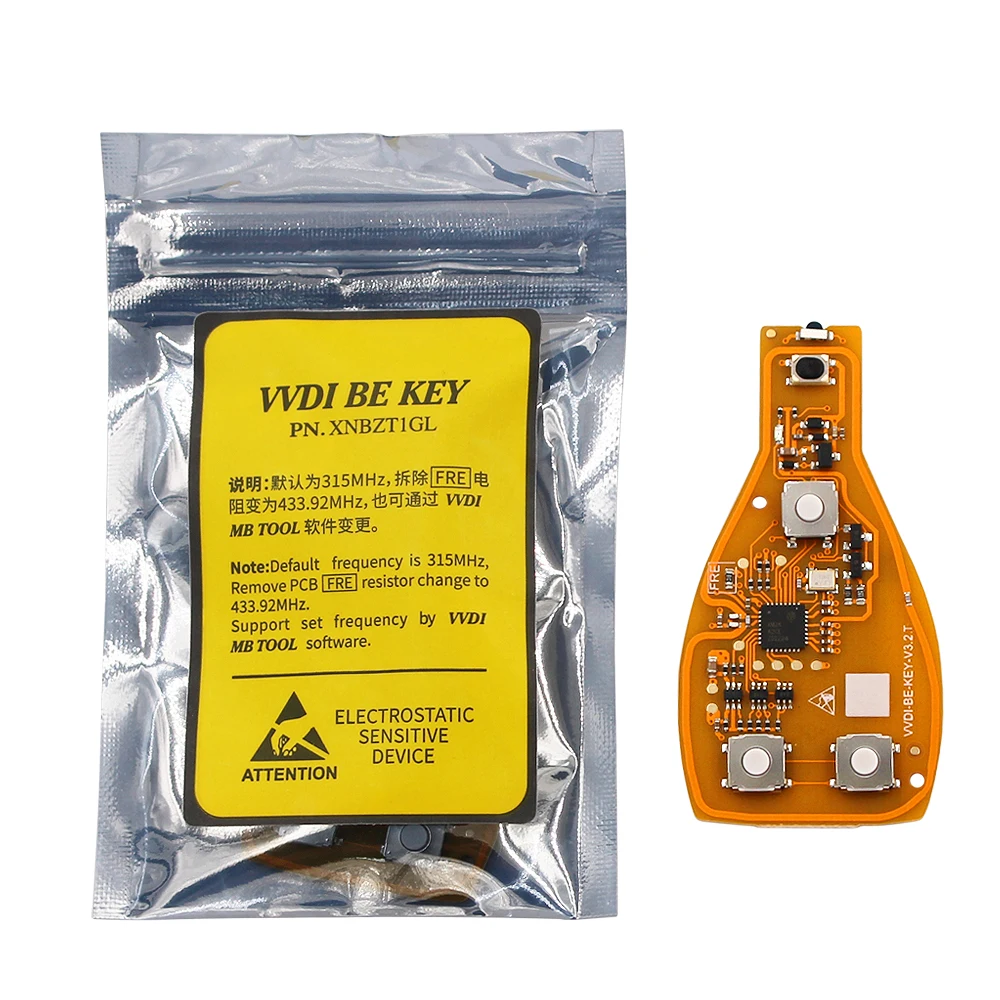
Method 1.Remove PCB FRE resistor change to 433MHZ.
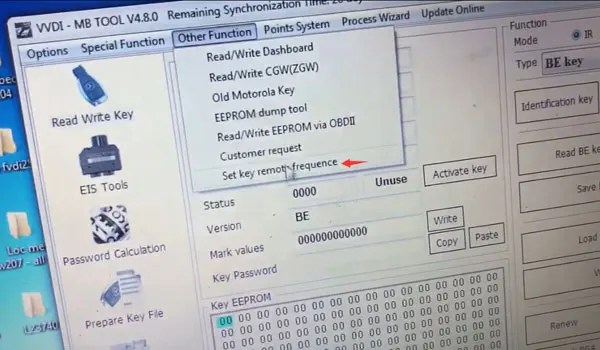
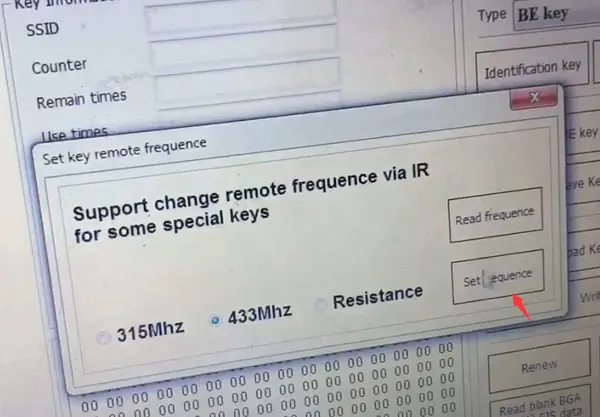
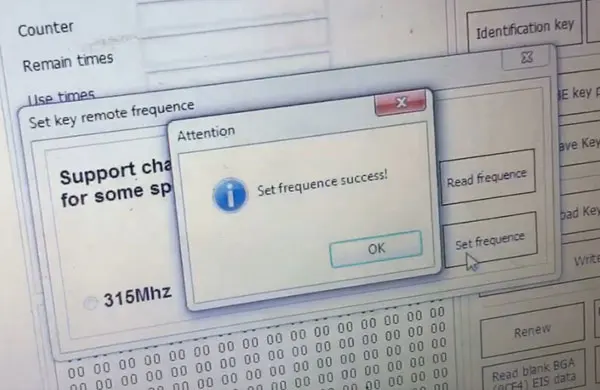
Method 2.Change Via VVDI MB Tool Software.You can use VVDI MB software check key frequency firstly in EIS Software,other function set frequency.Then it shows 315mhz when you read frequency.Choose 433mhz to set,and check frequency again.
How to assemble the key shell with VVDI BE key board?
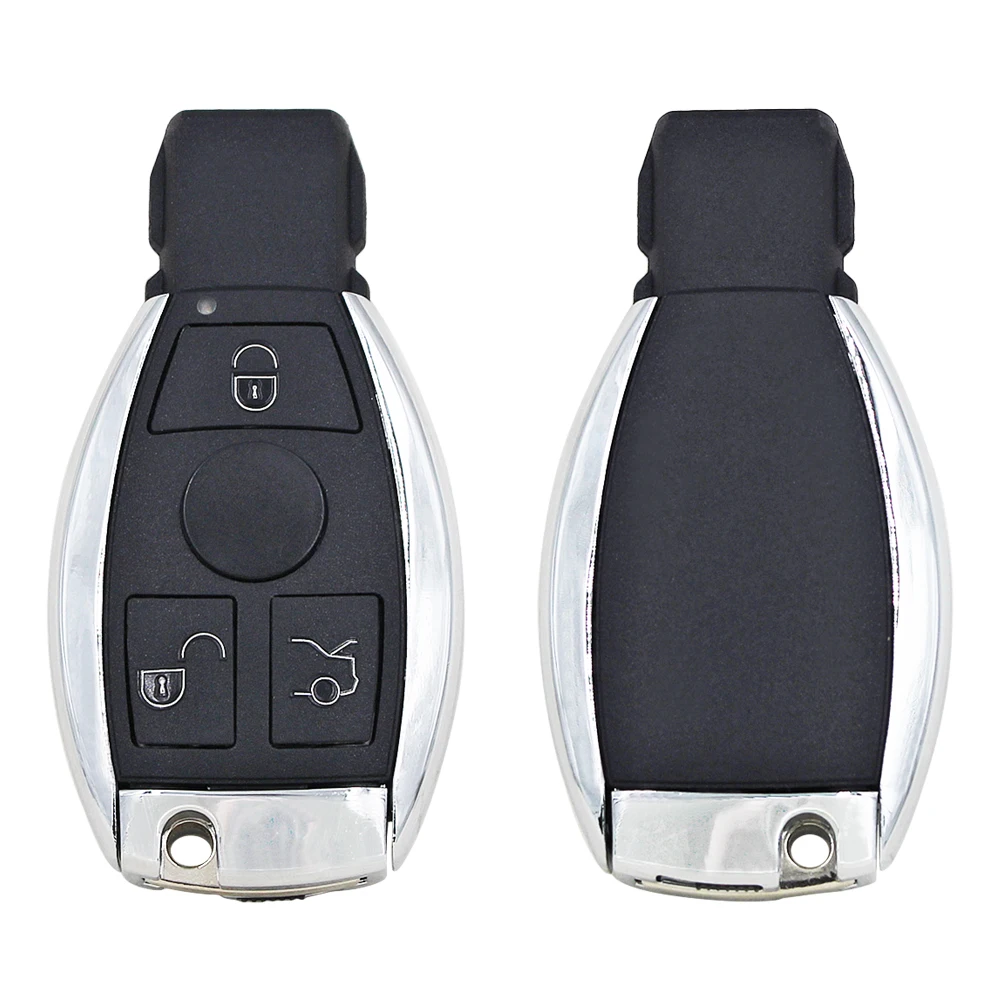
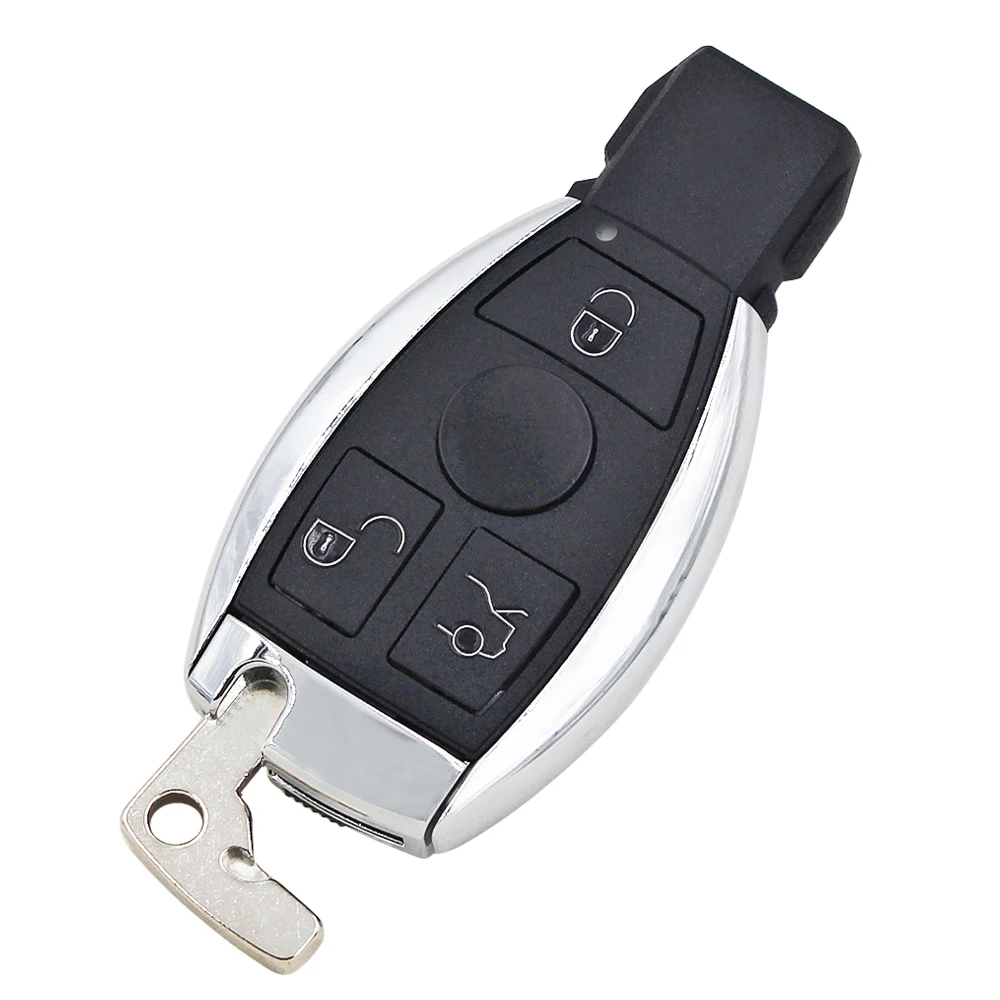
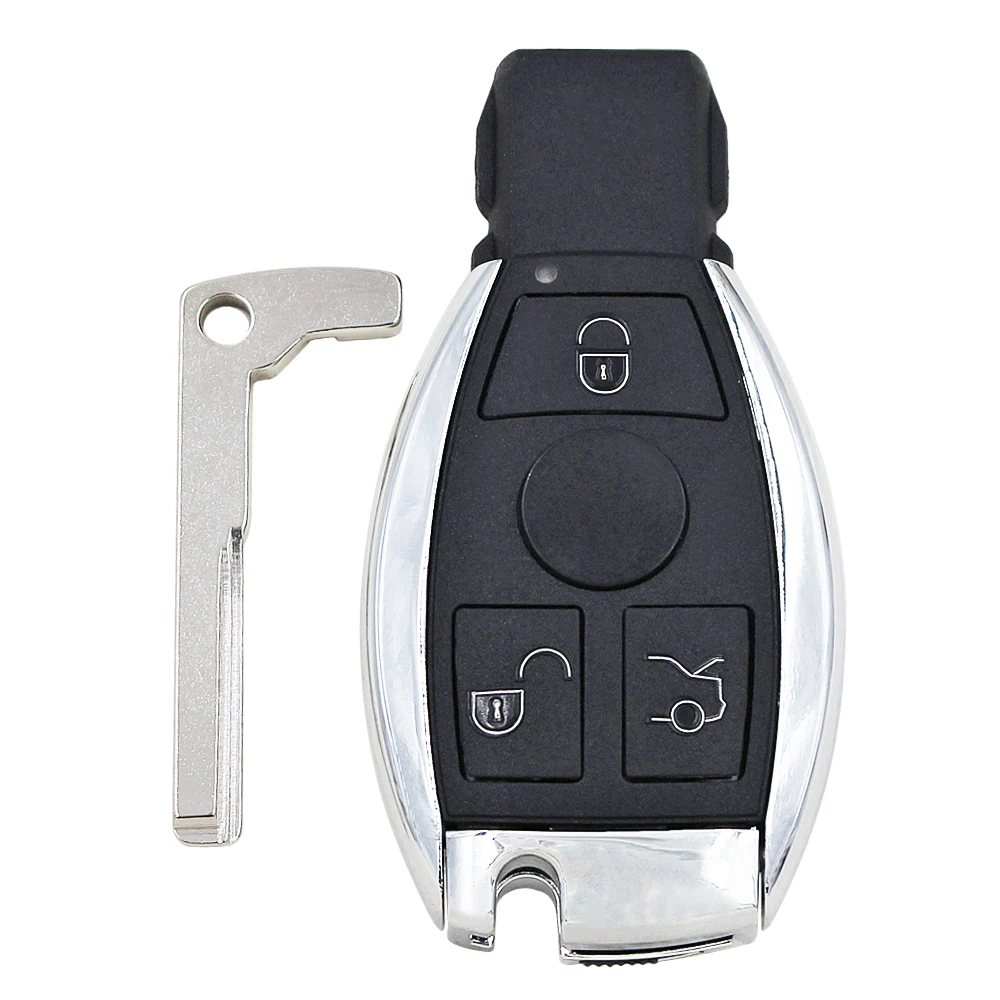
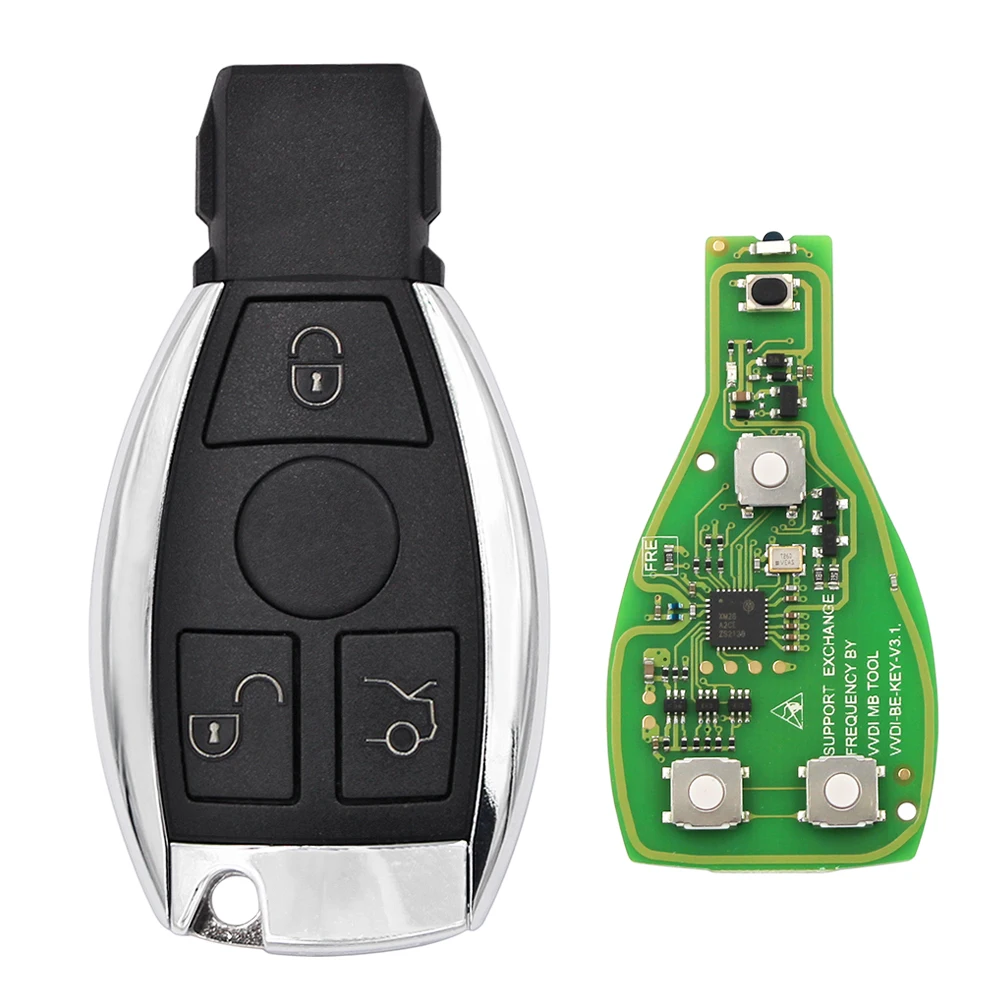
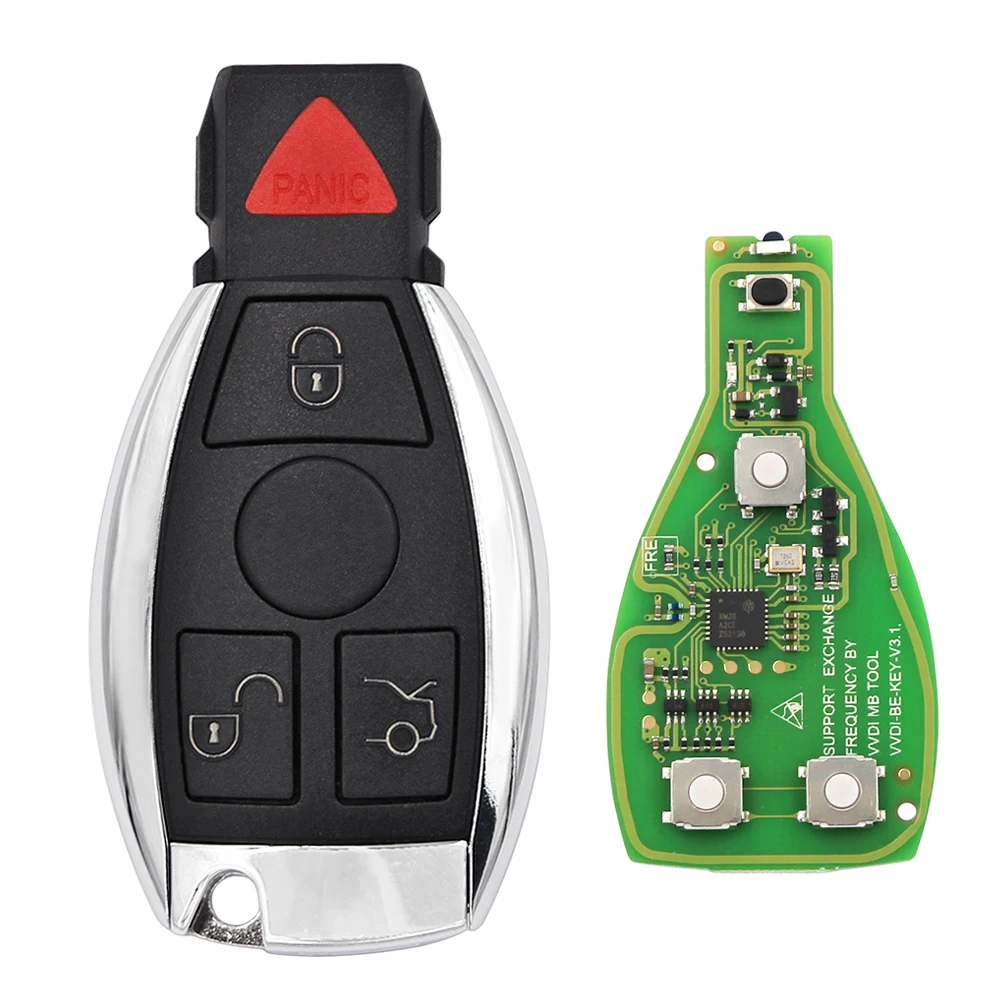
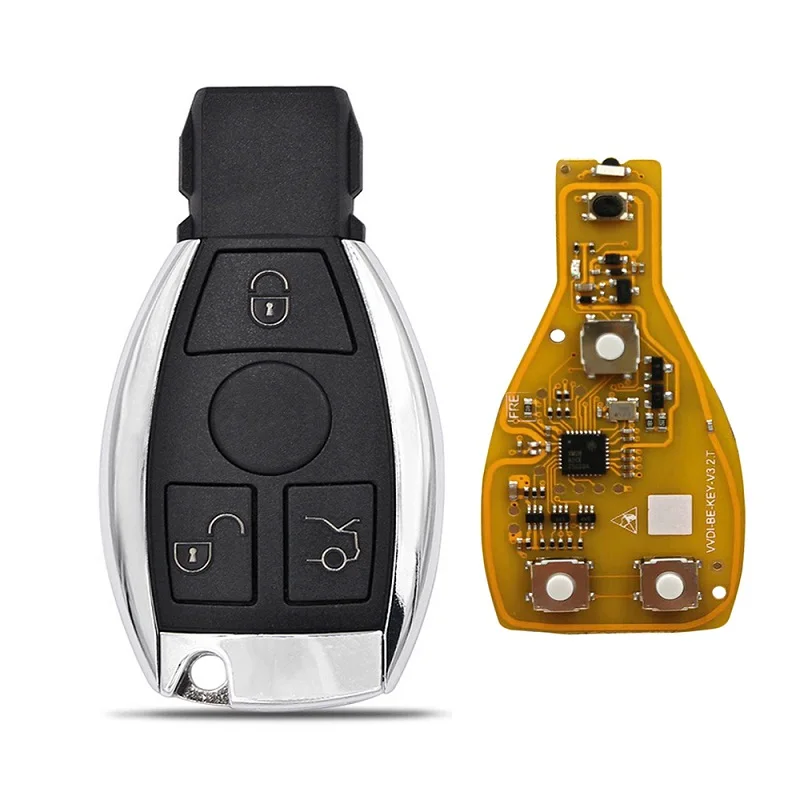
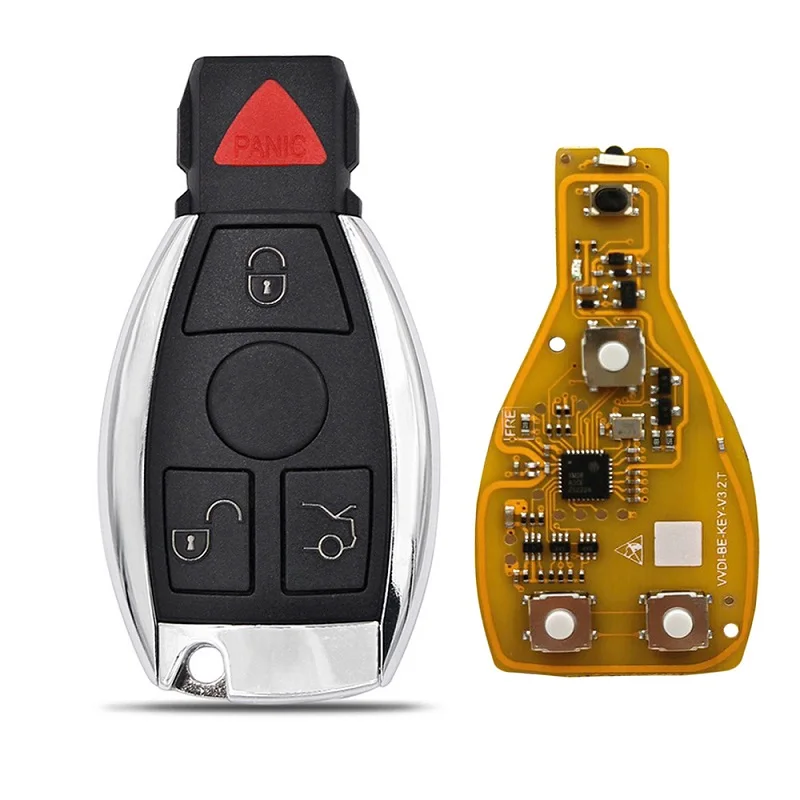
Here shows the general guide on how to assemble VVDI BE Key Pro imrpoved version with the Smart Key Shell 3 Button for MercedesBenz.
1.Put the VVDI BE key Pro improved version PCB into the case.
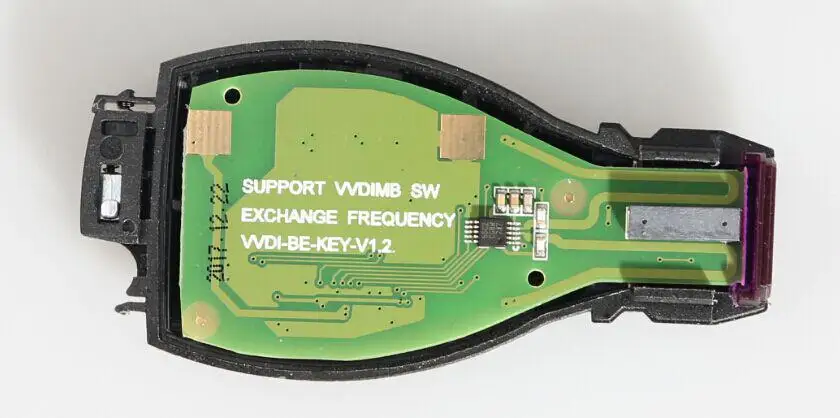 2.Cover the bottom case.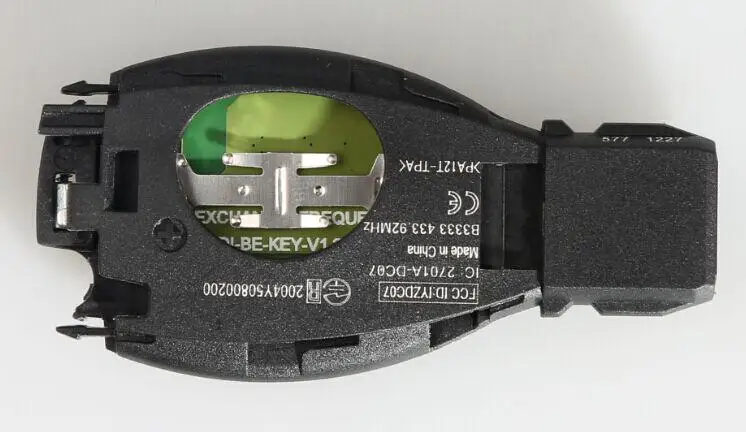
3.Insert the battery and cover the case. ( note: the package is without battery, need to buy it by yourself . )
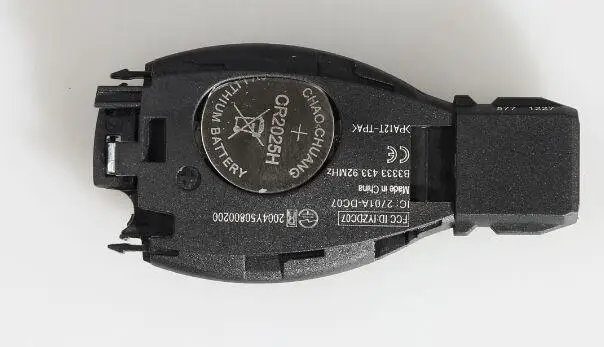
4.Push the metal strips on both sides into the right position.
If the rear metal component is first assembled, then the metal strips on both sides won't be able to pushed into the right position.
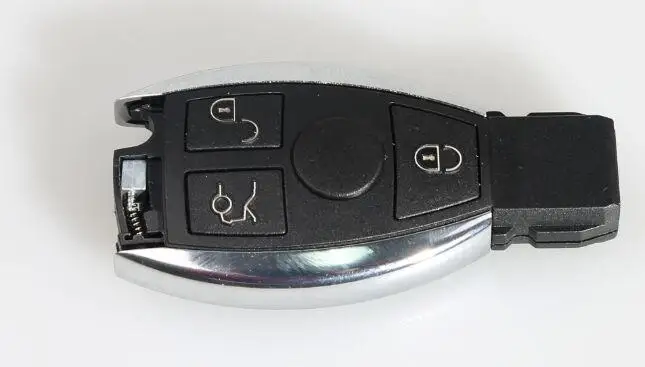
5. Here rear metal button.
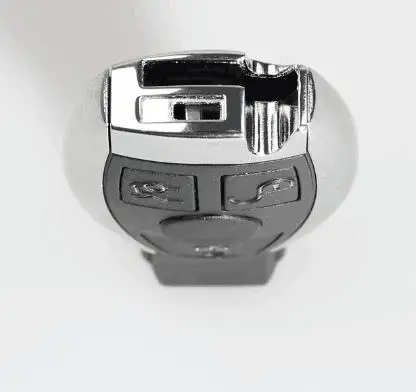
6. Put into the small key and start button.
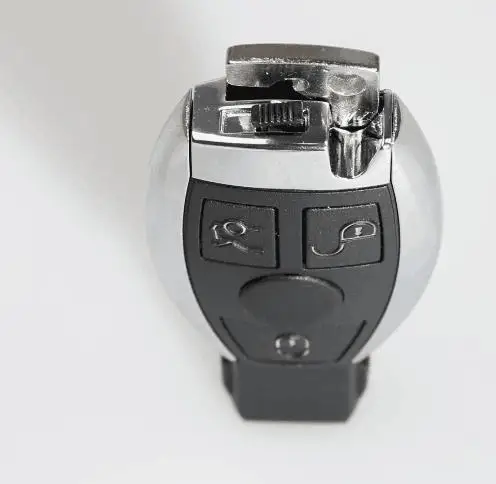
If you want to disassemble the case, please do it from the last step to the first step.
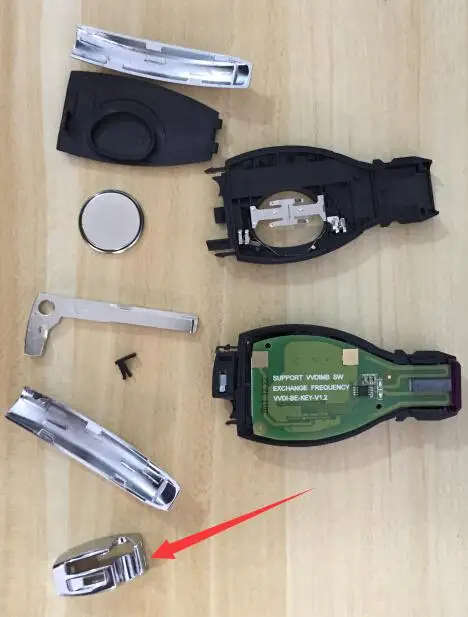
Note: If the rear metal component is firstly assembled, then the metal strips on both sides won't be able to put into the right position.