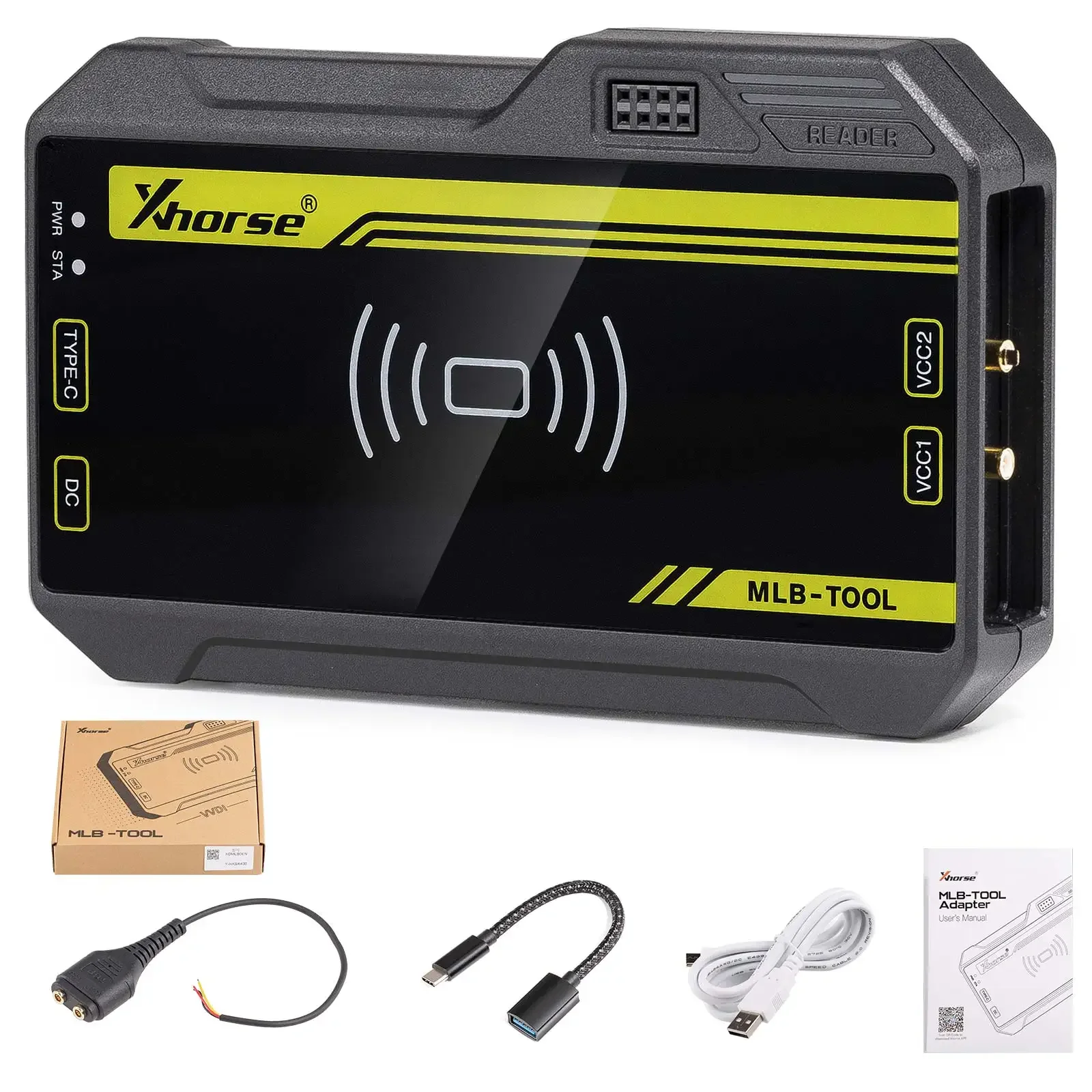
Xhorse VVDI MLB Tool for VW / Audi MLB/MQB Add Keys work with VVDI2, VVDI Key Tool Plus
No points required when using VVDI MLB specialized key
No need to disassemble the chip
Wireless generation
Supports generation of dealer keys
Supports original keys and VVDI MLB remote key
Work with VVDI2, key tool plus
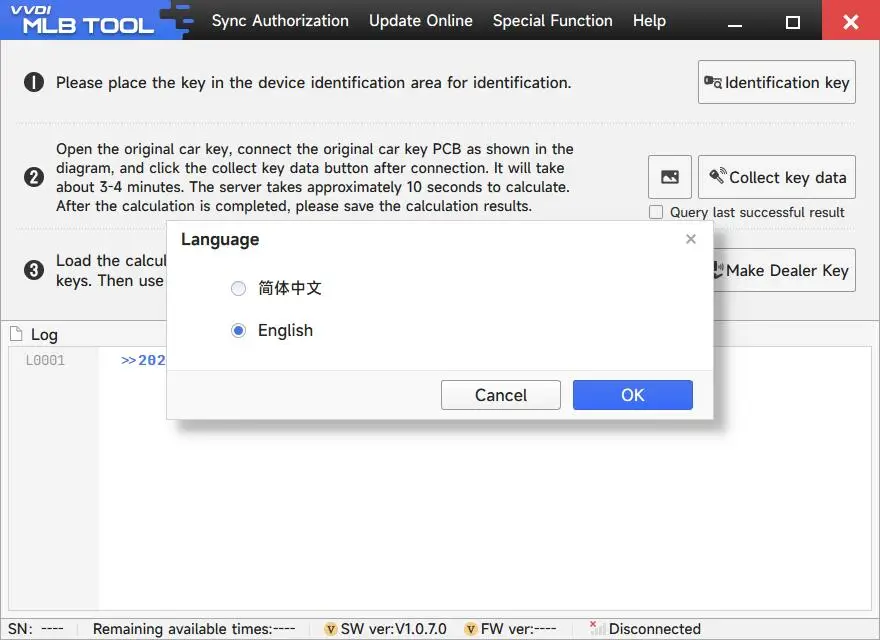
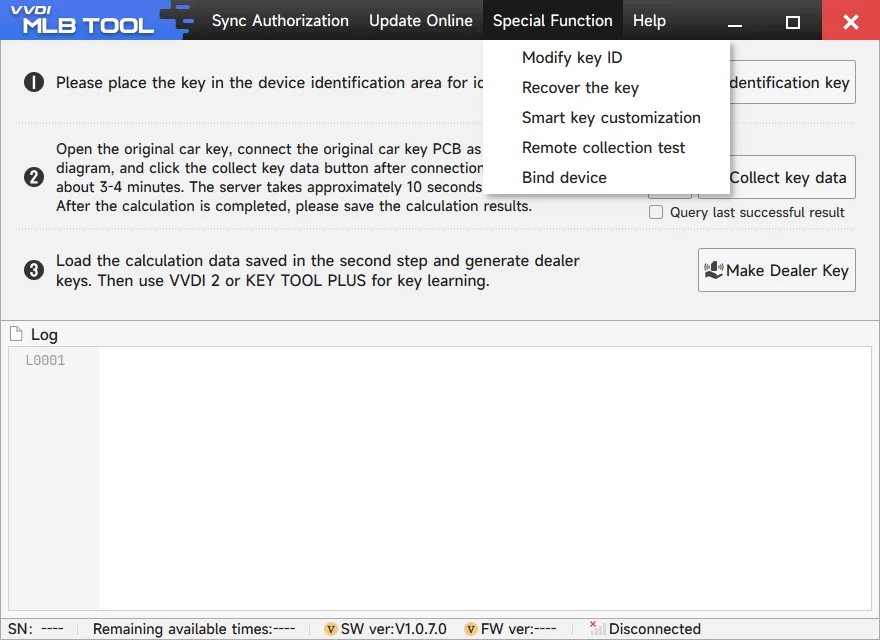
VVDI MLB Tool Software Free Download
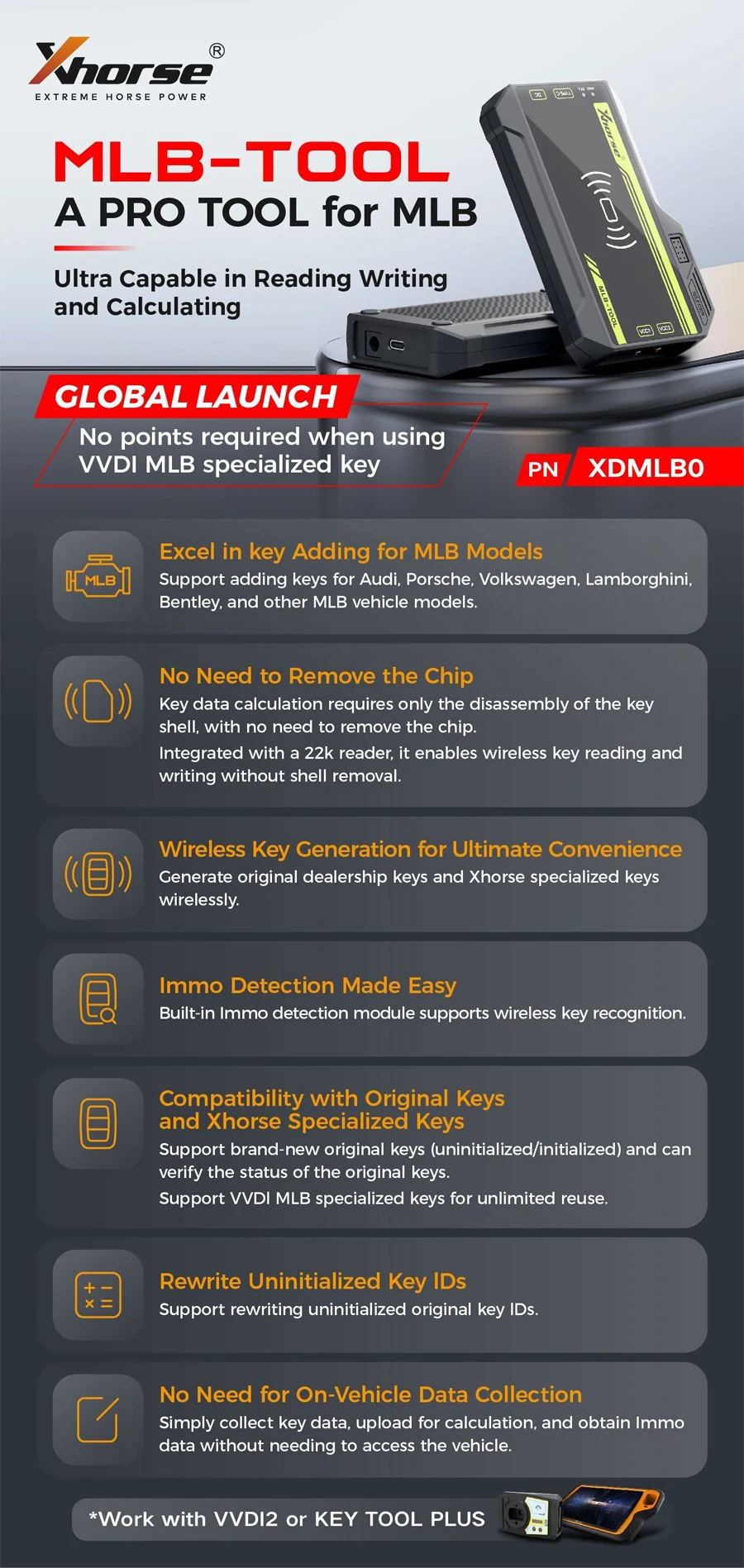
Xhorse VVDI MLB TOOL Functions:
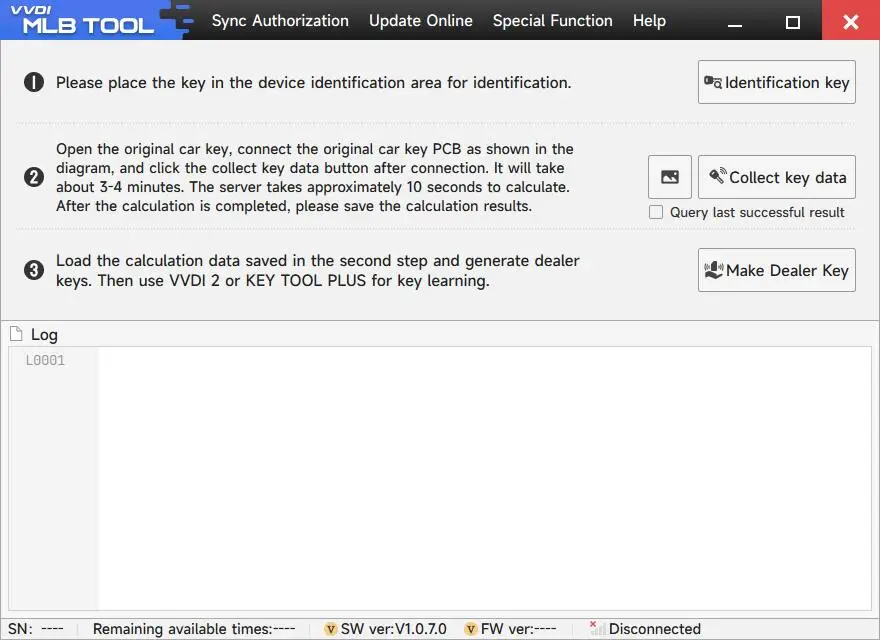
1. Work with VVDI2 / Key Tool Plus Pad for MLB immombilizer key learning, Support VVDI MLB special submachine, Support original key
2.Excel in key Adding for MLB Models
Support adding keys for Audi, for Porsche, for Volkswagen, for Lamborghini, for Bentley, and other MLB vehicle models
3. No Need to Remove the Chip
Key data calculation requires only the disassembly of the key shell, with no need to remove the chip. Integrated with a 22k reader, it enables wireless key reading and writing without shell removal.
4. Wireless Key Generation for Ultimate Convenience
Generate original dealership keys and Xhorse specialized keys wirelessly.
5. Immo Detection Made Easy
Built-in Immo detection module supports wireless key recognition
6. Compatibility with Original Keys and Xhorse Specialized Keys
Support brand-new original keys (uninitiaIized/initiaIized) and can verify the status of the original keys. Support VVDI MLB specialized keys for unlimited reuse.
7. Rewrite Uninitialized Key IDs
Support rewriting uninitialized original key IDs.
8. No Need for On-Vehicle Data Collection
Simply collect key data, upload for calculation, and obtain Immo data without needing to access the vehicle.
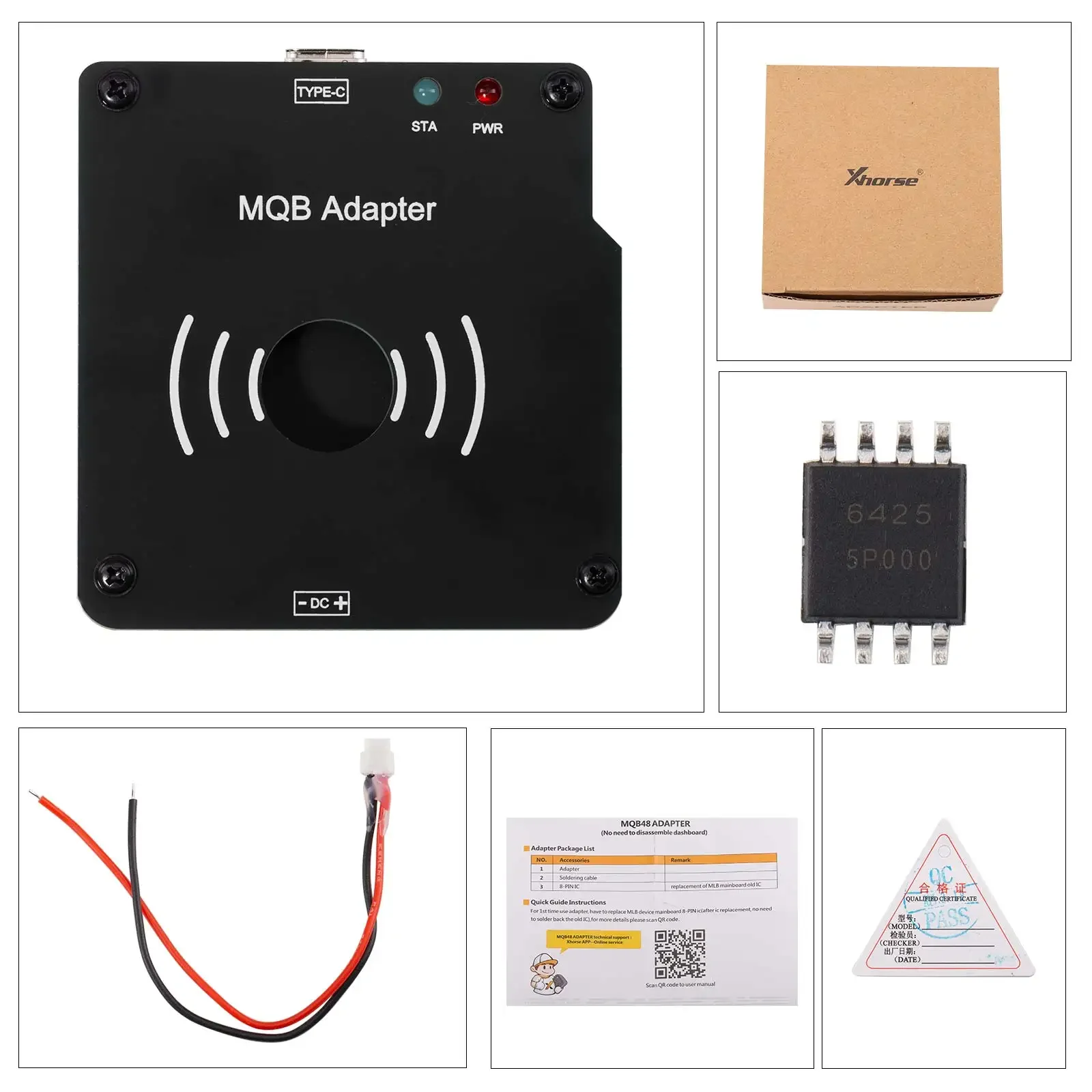
Xhorse MLB MQB48 Solder Free Adapter work with MLB-Tool for KTP/VVDI2
No need remove instrument, just remove the key, and only need to weld two wires!
Lower risk, simple operation, easy to complete key data reading!
With VVDI MLB Tool, most MQB48 additions can be easily completed!
Use with VVDI Key Tool Plus or VVDI2 that has enabled the MQB48 function to easily complete key data reading!
2025.01.07 VVDI MLB Tool Newest Software Update:
Release MQB48 NEC35XX immo data collection function
MLB+MQB adapter instructions
VVDI2 device
1. Use MLB device + MQB adapter to read IMMO data from MQB48 key.
2. Use VVDI2 to load the IMMO data read in the first step: generate key, learn key (VVDI2 needs to enable MQB function, does not need MQB48 NEC35XX locking function)
KEY TOOL PLUS / KEY TOOL MIDI device
1. The tablet device is directly connected to MLB device + MQB adapter, and IMMO data can be read from MQB48 key.
2. The tablet device loads the IMMO data read in the first step: generate key, learn key (the tablet device needs to have fourth-generation authorization, does not need MQB48 NEC35XX locking function)